
There are different ways to set up a RAID array. They vary not only depending on the operating system you're using, but also on the hardware. For example, you can simply connect two or more disks to your computer and create a RAID array using software. This is usually the easiest way, but performance won't be optimal. Apple's Disk Utility in macOS lets you set up RAID 0 and 1 arrays. It's similar to Disk Management in Windows. There's also paid software like StableBit DrivePool and SnapRAID that offers additional features.
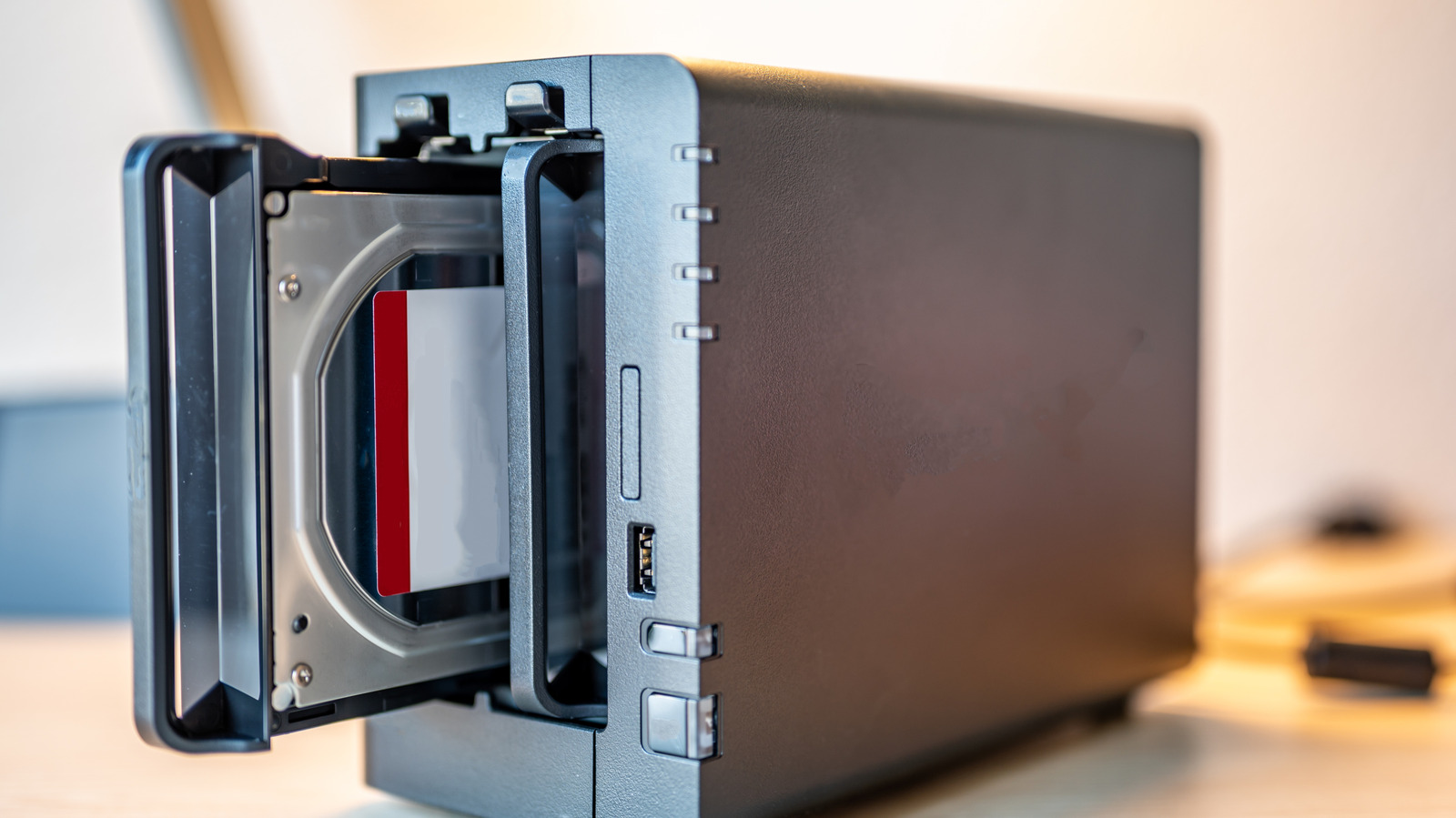
But if you really want to take RAID seriously, try using hardware-based methods. They have dedicated controllers that better protect drives against failures and deliver better performance. However, they're also more complicated to set up. For example, you may have to buy a RAID controller to install on your motherboard. If you don't want to go through all that trouble (or maybe because you have a mini PC), a RAID enclosure might be your best option. They usually come with a RAID chip built in, so all you need to do is plug the drives into it. Just be sure to check the maximum capacities and speeds before buying one. It's the same as choosing USB-C accessories — high speeds aren't guaranteed for all of them.