
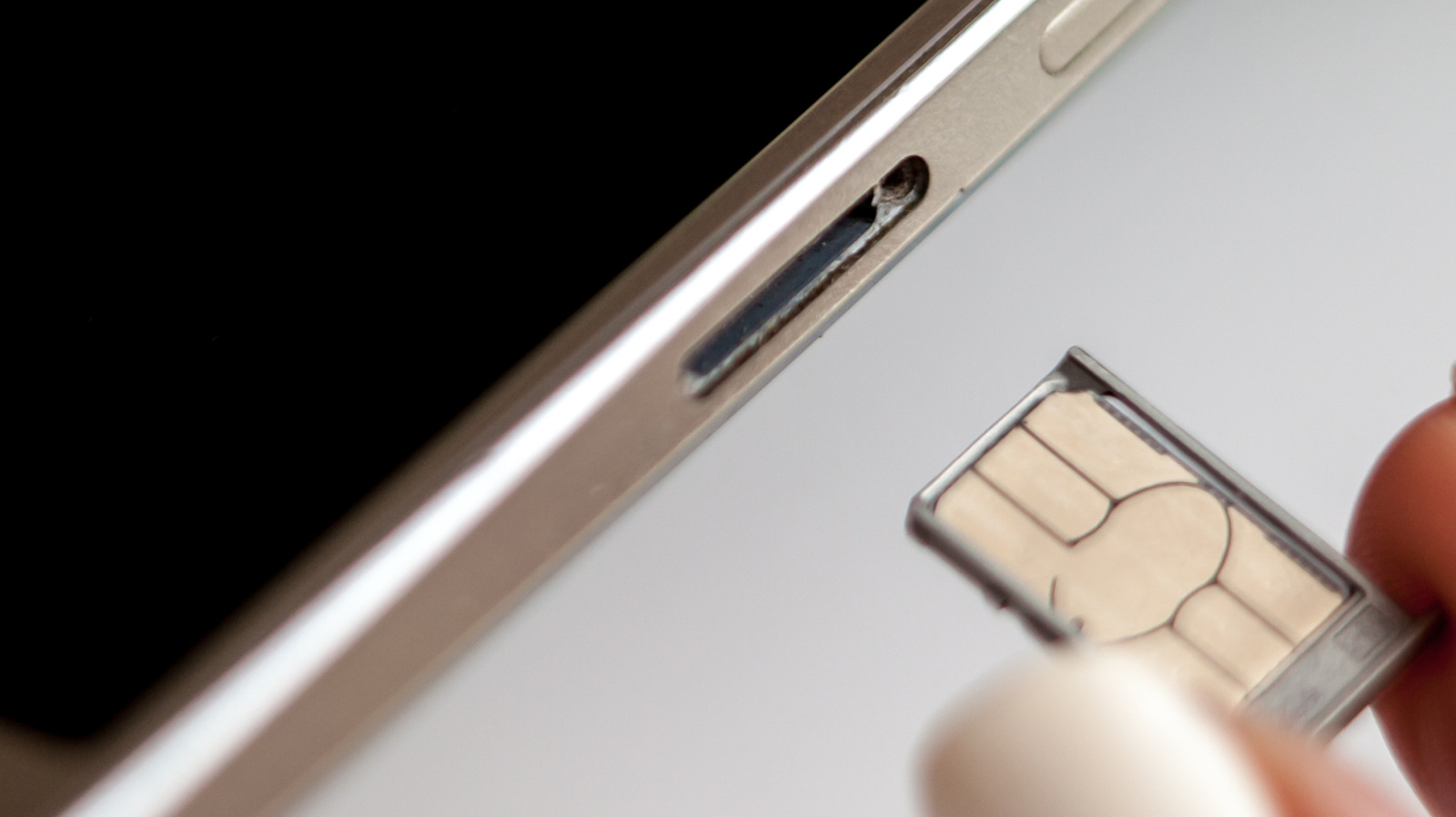
Before the 2010s, SIM slots were usually located underneath a phone's removable battery, which obviously required powering off the device to access. Over time, as removable batteries became less common, SIM trays were moved to the outside of phones. Early models using this setup would often show a network error if you swapped SIMs while the phone was on, but they quickly became hot-swappable and this was no longer a problem.
You don't even need to switch your device off completely to make the phone refresh its carrier settings from the card. You'll get a similar result if you turn on airplane mode, wait 30 seconds before swapping the SIM and turn airplane mode off again once the new SIM is inserted. This should prevent any carrier hiccups during the process.
A warning on SD cards
Unlike the iPhone, some Android devices still include a microSD card slot. In some cases, this is in the same tray as the SIM, though placement varies. If this is the case for you, as when ejecting an external drive, it's important to unmount the microSD card before removing the SIM to prevent losing data. On Samsung devices: open the My Files app, find the SD Card, tap the three-dot menu next to it and choose Unmount. Search the Settings app or check online documentation if you're not sure how this works for your device.
So while the benefits are slight, switching off your phone when replacing the SIM can prevent software-related glitches. If you don't want to power down, use airplane mode instead. And in case you encounter a network error after swapping, always try restarting your device first.