
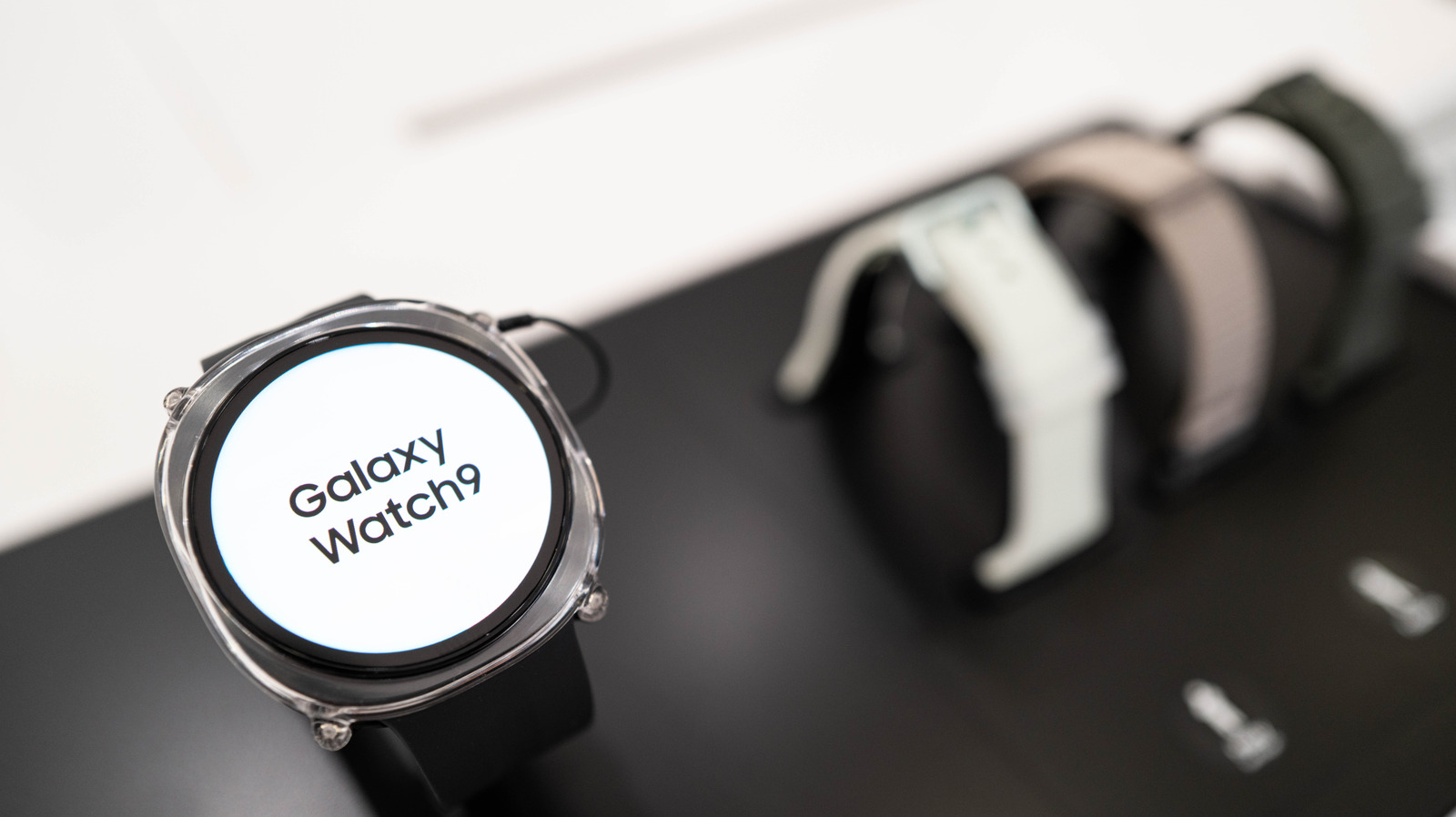
This dot isn't the only symbol of its kind on Galaxy Watches; like with all the best smartwatches, saving space on such a small screen is key to making a solid wearable. While an orange or red dot can be found on the far left of your watch face, other symbols can appear at the top and bottom of the watch. At the top, you might see a phone icon with a slash through it (meaning your watch has lost its Bluetooth connection with your phone), a rectangle with a cloud in the middle (indicating that your watch is connected to your phone with mobile data or Wi-Fi instead of Bluetooth), or a padlock (which means the watch is locked and you'll need your password or PIN to open it).
At the bottom, a blue music note may appear, which tells you whether any app is playing music, as well as if that music is paused — and you can tap the icon to control that audio. Alternatively, a green phone icon could show up in that same spot. This appears when the watch or a connected phone is being used for a call.