
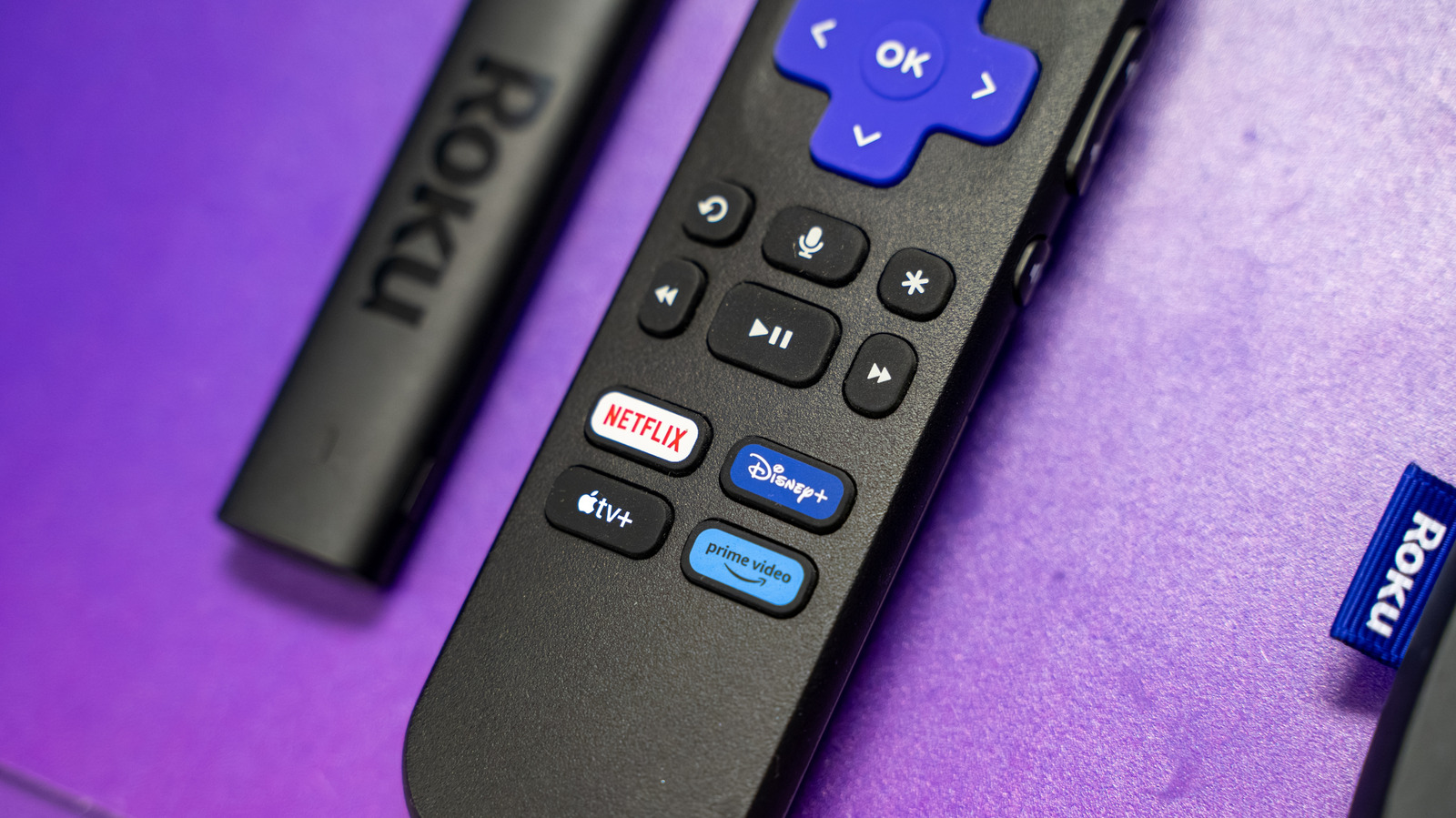
If you've tried all of the previous steps and nothing has worked so far, your last-ditch option may be performing a factory reset. This wipes the slate completely clean, reverting your device to the state it was in out of the box — hence the name. This should be avoided whenever possible, since you'll not only have to redownload apps, but reconfigure settings and log back into your accounts. If you're sure you want to try this, head to System > Advanced system settings > Factory reset. Roku also offers hardware-based reset commands if the OS has become totally unusable.
If your device is many years old, an unfortunate possibility is that it may no longer be able to keep up with the latest software. While the company maintains surprisingly extensive update support, newer features and graphics can push the limits of RAM and processor power. You may be bumping up against these barriers, and have no choice but to buy new streaming gear.
There's only so much you can do to hold onto older software releases, unfortunately. Even when Roku has your back, streaming services may decide to cut off older app versions for the sake of security or other plans. You might as well keep updating apps as long as possible.