
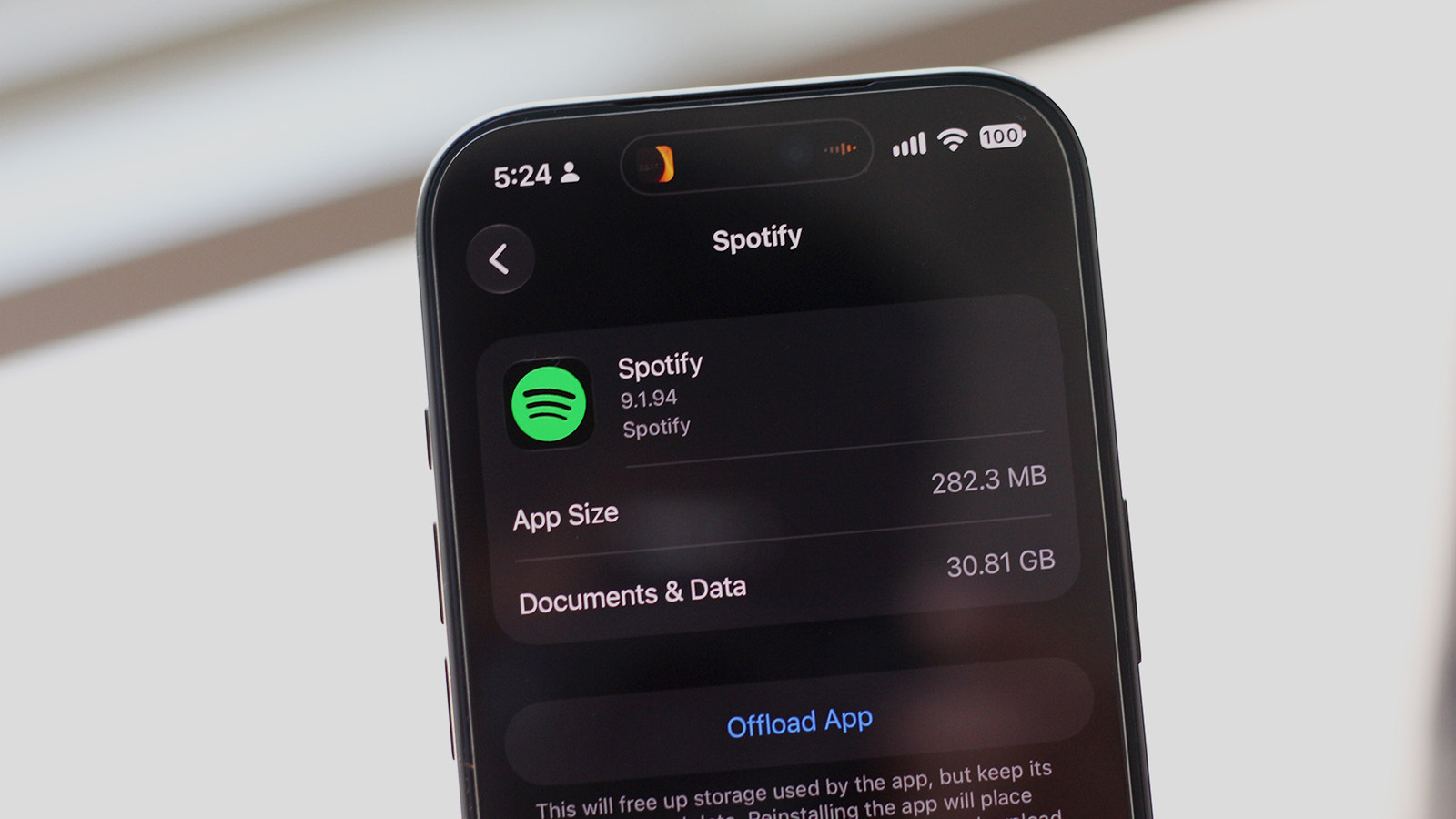
If you do need an offline music library so you can listen to your tracks without an internet connection, you can still clear some storage space by adjusting the quality of your downloaded songs. On Android and iOS, launch Spotify and head to Settings and privacy > Media quality and scroll to the Download quality section. You can choose the Low option, then tap on the Download button next to the Update existing downloads option. Spotify says tracks downloaded or streamed in the Low quality setting are equivalent to around 24 kbps, which shouldn't be too bad for casual listening.
It's also worth noting that if you have the Lossless quality preset selected for your downloads, your offline music library is going to occupy significantly more storage. Lossless tracks are much larger than their compressed counterparts. While lossless audio can upgrade your music listening experience if you're using wired headphones and a DAC, the difference might not be noticeable if you usually opt for wireless earbuds.
I tested just how big of a difference downloading the same set of songs in different quality presets can make. With my music library downloaded in Lossless quality, Spotify was occupying around 22GB of space on my phone. When set to the Low preset, my entire music library fit in a little over 2GB — those are massive storage savings, and I didn't even have to give up offline listening. Periodically clearing Spotify's cache can also free up a noticeable amount of storage space.