
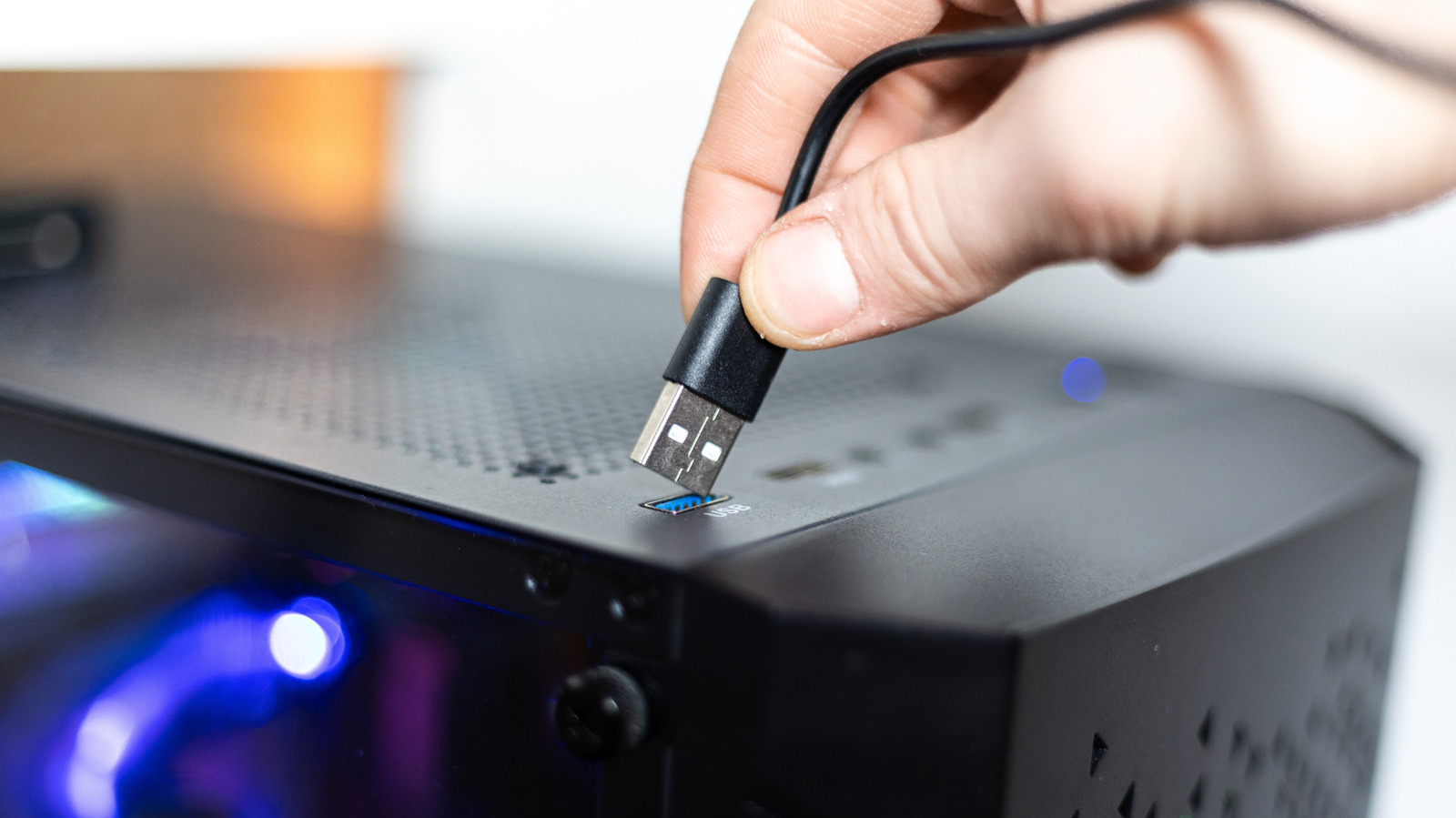
Whether this difference in power and speed will actually affect your peripherals depends on what you're using and what you need. For common devices like a mouse, keyboard or headphones, the ports on the front of your computer handle them just fine. These devices use very little power and don't require high speeds to run. Even a regular USB flash drive is fine to use with them if you don't plan on transferring huge amounts of data or constantly reading and writing.
Choose the rear ports when you're connecting bandwidth-intensive or latency-sensitive peripherals, such as external SSDs, capture cards or VR headsets. Plugging these into high-speed ports will definitely make a difference, and some of them may not even work on slower ports. It's definitely worth checking the specs of your motherboard or computer to see the exact speeds of each USB port so you'll know which one to plug each accessory into. Symbols or colors can give you a hint, but they aren't always consistent.