
The free version of the Stream Deck mobile app gives you up to six buttons and unlimited access to actions with no trial period. That's the same number of buttons you'll find on the Stream Deck Mini, Elgato's smallest controller, and it's enough to cover basic actions like starting a livestream or muting your mic.
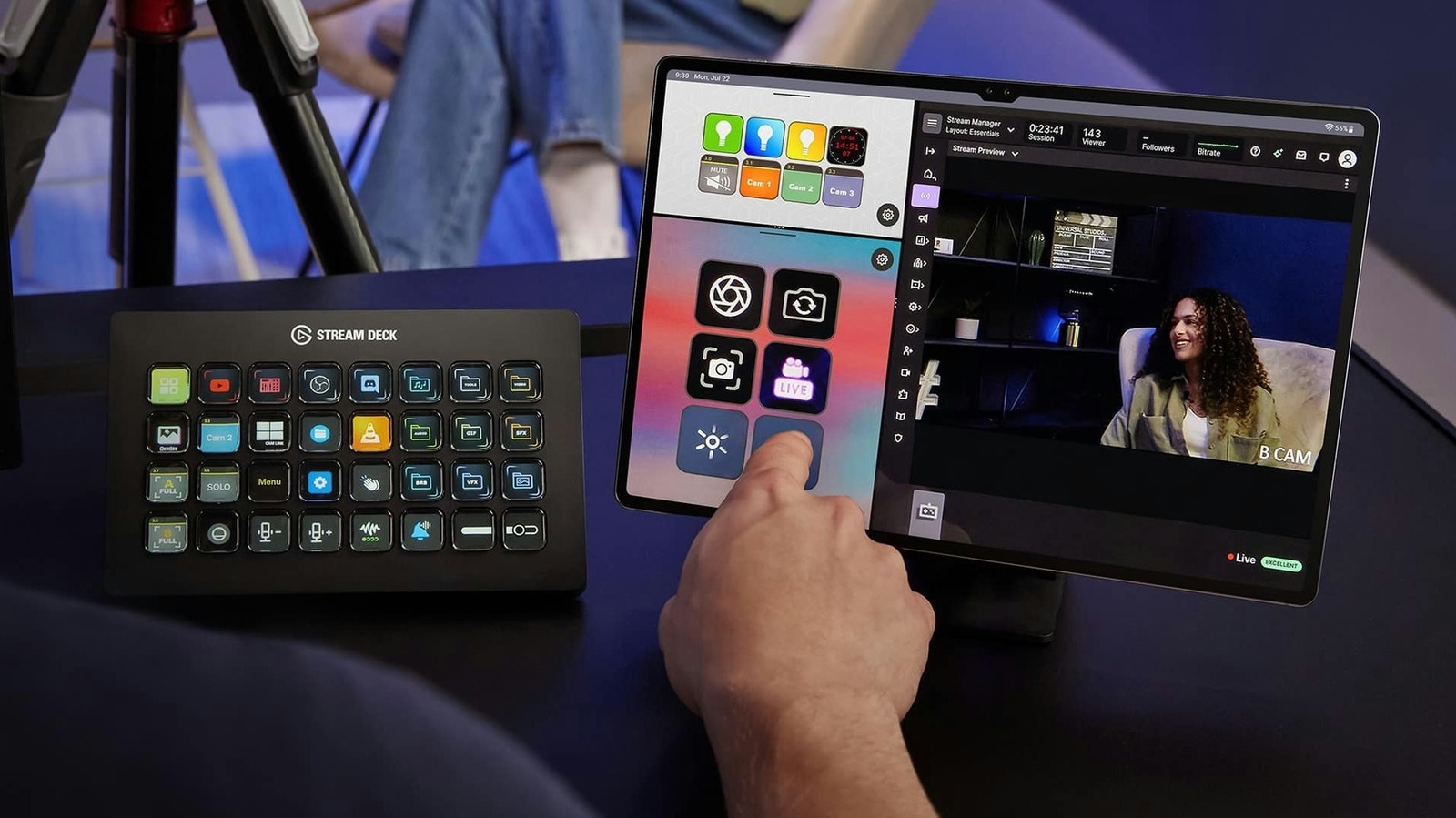
If you need more controls — having only six buttons on a tablet can seem like a waste of space — you can pay for Stream Deck Mobile Pro. This increases the limit to 64 buttons, which is more than the Stream Deck + XL, and unlocks features like different grid options and custom backgrounds. On the iPad, you can even use Split View to open two different keypads side by side. Subscriptions are $2.99 per month or $24.99 yearly. Elgato also offers a lifetime license for $49.99, which might be worth it if you stream regularly.
If you want to use your tablet as a Stream Deck, look for an inexpensive tablet stand so it's always within sight, and keep it plugged in to prevent the battery from dying during a livestream. You'll also want the screen to stay on so you don't lose access to your buttons. On an iPad, you can set Auto-Lock to "Never" under Settings > Display & Brightness. Android tablets will also have a similar option in their display settings.