
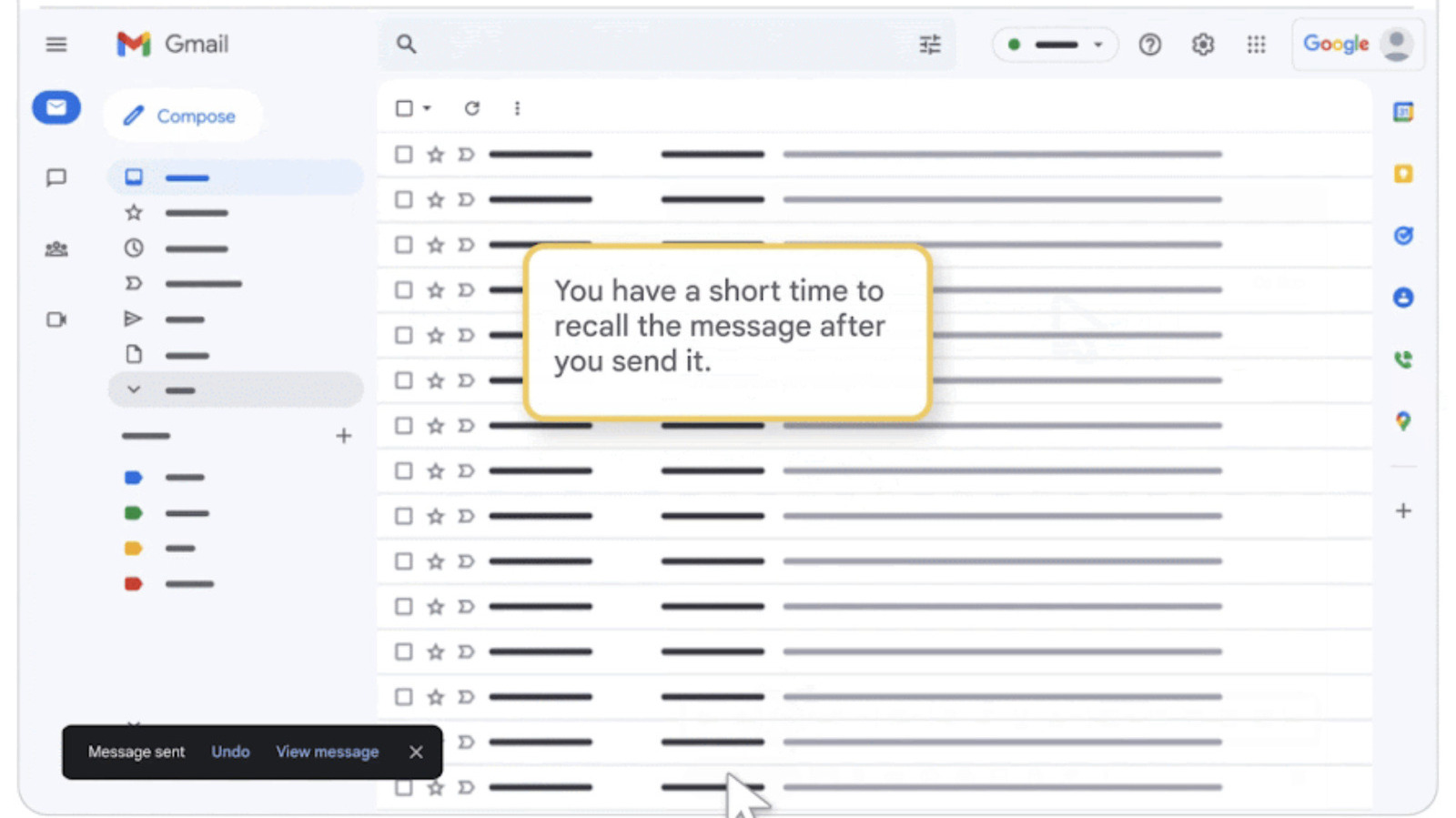
The good news is that you can lengthen the amount of time you have to hit Undo, so you can give your messages a quick final read before Gmail pushes them through. You'll have to manage your expectations, though: Even if you choose the longest amount of time available, it's still pretty short. And no, you still can't take back emails that have already landed in your recipient's inbox.
To choose and extend the amount of time you have to unsend a message, go to Gmail on desktop and click or tap on the Gear icon at the top right corner of the screen. In the Quick settings panel, choose See all settings. In the General settings page, scroll down until you see the Undo Send section, where you'll find the option to change your cancellation period.
It will be set to the feature's default of five seconds, but you can change it to 10, 20 or 30 seconds. That half-a-minute period is the longest you can delay your email's dispatch, but it could be long enough to prevent disaster when sending out especially important messages. Don't forget to hit Save changes at the bottom of the General settings page for the new cancellation period to take effect.