
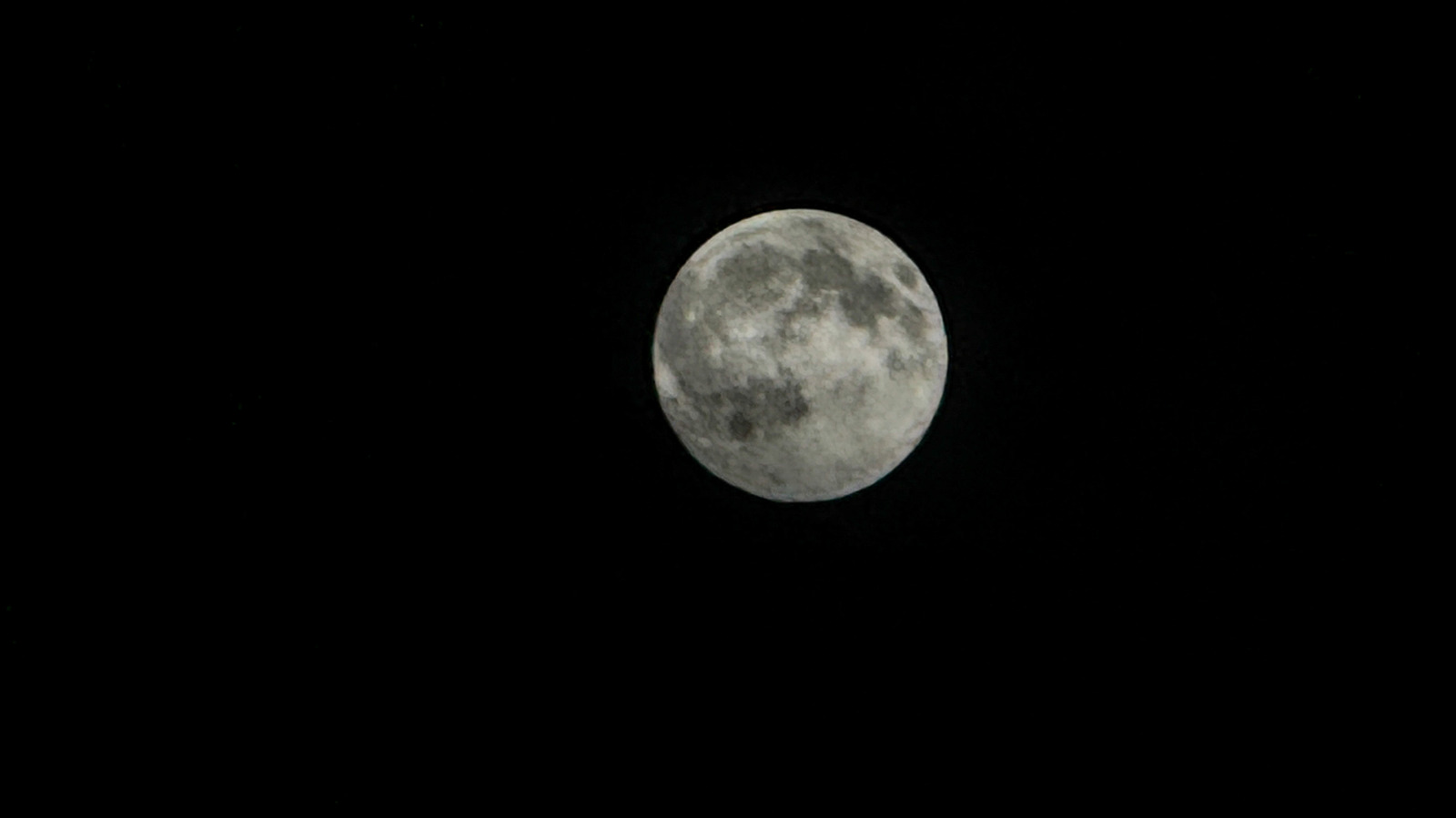
One quick note on resolution. You may notice that your iPhone moon pictures look pixelated. At 25x digital zoom, the effective resolution on an iPhone 15 Pro or 16 Pro (both with 12MP 5x telephoto cameras) is just 0.48 megapixels. The camera automatically upscales it to 12MP to match your other photos, but the detail is already lost. The iPhone 17 Pro and iPhone 18 Pro models do a bit better with their 48MP sensors and 4x optical zoom, which reduces to an effective 1.24MP resolution at a 25x zoom before upscaling.
If you want more control for moon photos than Apple's Camera app offers, you could upgrade to the iPhone 18 Pro, but the App Store also has other options. Moontake is a free app built for moon photography that uses the longest telephoto lens by default and sets the proper exposure automatically. It also displays astronomical data like the lunar azimuth and altitude. You can also use apps that give you granular control over all types of photography (ISO and shutter speed control), like Halide Mark III and ProCamera.