
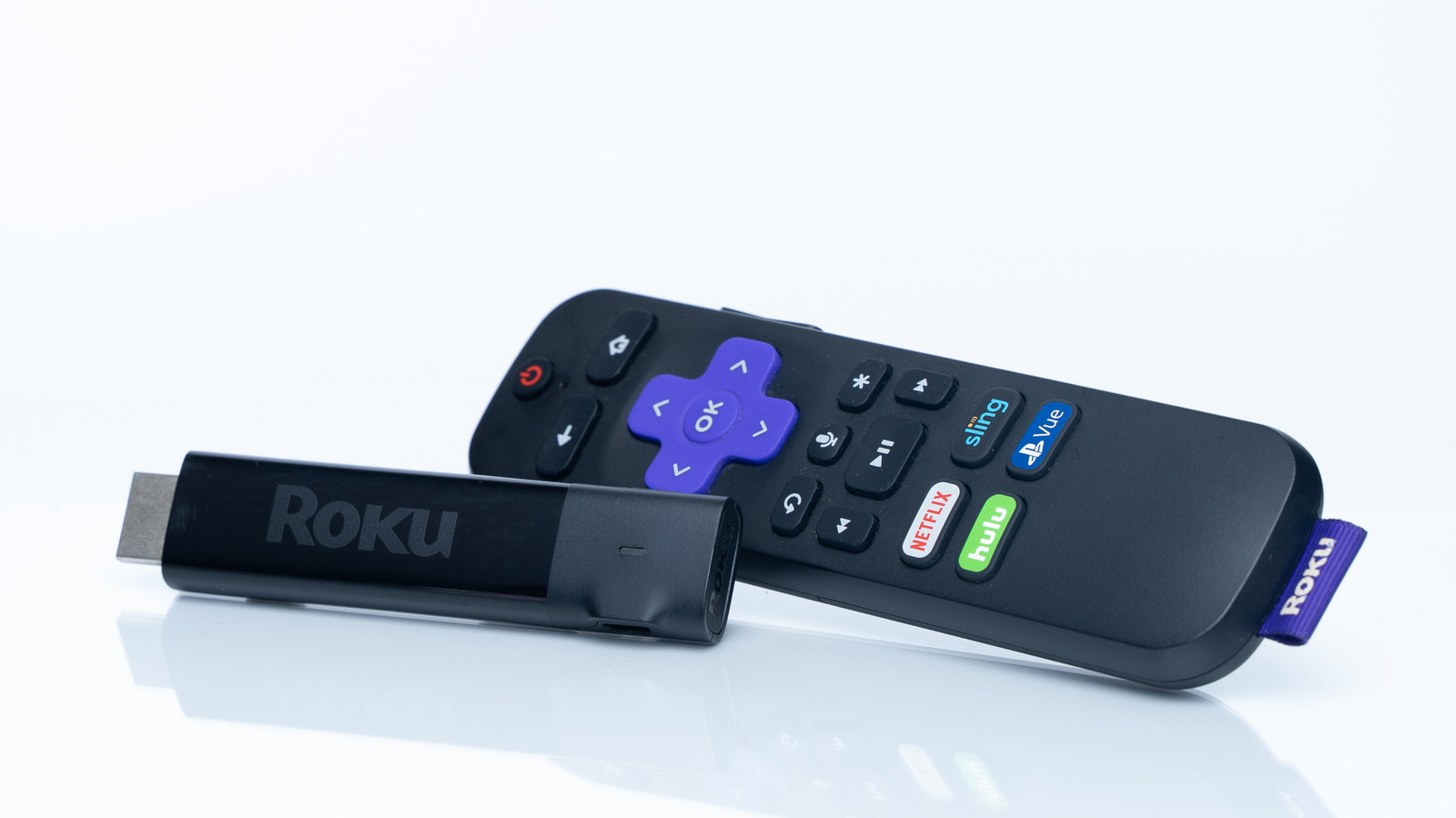
Another important point here is that you shouldn't plug a Roku into your TV's ARC or eARC port. While that technology is essential for some audio features like Dolby Atmos, labeled ports are intended for compatible output devices like soundbars, receivers and other speaker systems. If a TV supports ARC or eARC, it's automatically pulling audio from every HDMI 2.x input, regardless of how it's marked.
Along with the right ports, it's also important to choose a matching cable. If your Roku does support HDMI 2.1 features, a 2.0 cable will prevent them from working. If there's any doubt about what you have, HDMI 2.1 and even 2.2 (also known as Ultra96, which is not in wide use yet) cables are easy to find at low prices.
Computers and game consoles should always get priority for available HDMI 2.1 or 2.2 ports, since they can fully take advantage of high refresh rates and VRR (variable refresh rate). Streamers like Rokus are further back in the line, at least until manufacturers start taking advantage of everything newer TVs are capable of.