
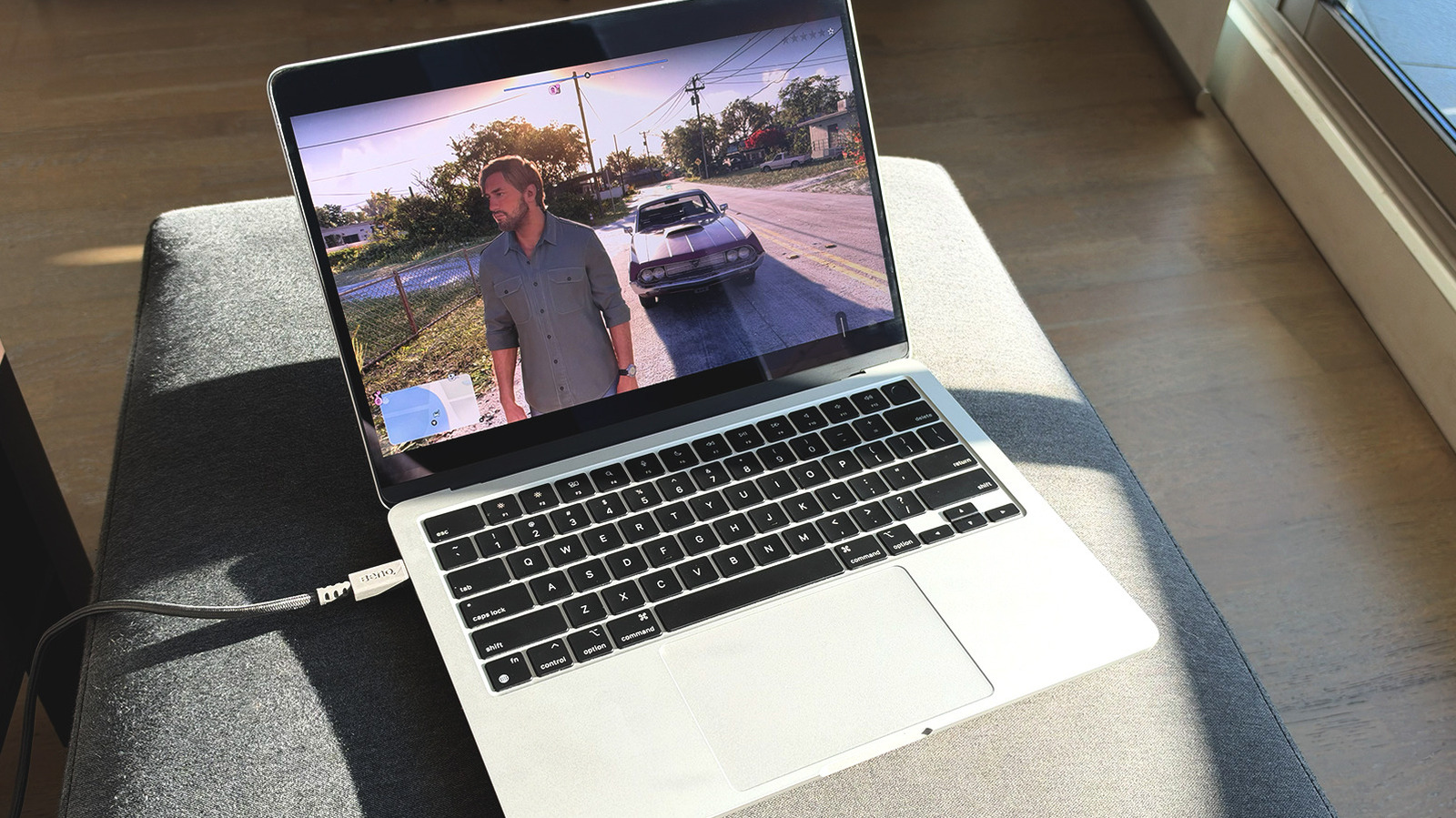
If you're an Xbox user, the steps to play GTA 6 remotely on your phone or computer are very similar. First, turn your Xbox console on and navigate to Profile & system > Settings > Devices & connections > Remote features. Turn the Enable remote features toggle on and under the Power options setting, select Sleep. You have now configured your Xbox Series X/S to support remote play.
Open the browser on your smartphone, tablet or computer and head to the Xbox remote play website. Sign into your Microsoft account, select your Xbox console and tap or click on the Remote play on this device button. Once again, pairing an Xbox controller with the device you're streaming GTA 6 on will allow for much better controls. You can enter pairing mode on your Xbox controller by holding down the Pair button for three seconds. Then, head to your device's Bluetooth settings to add the controller.
Although Grand Theft Auto 6 is only available natively on current-gen consoles from Sony and Microsoft, Xbox One users can enjoy the game through Xbox Cloud Gaming. You still need to buy the game digitally and will likely spend a bit more to get additional cloud gaming hours, seeing as how the Game Pass Ultimate tier now only includes 15 hours of cloud playtime per month.