
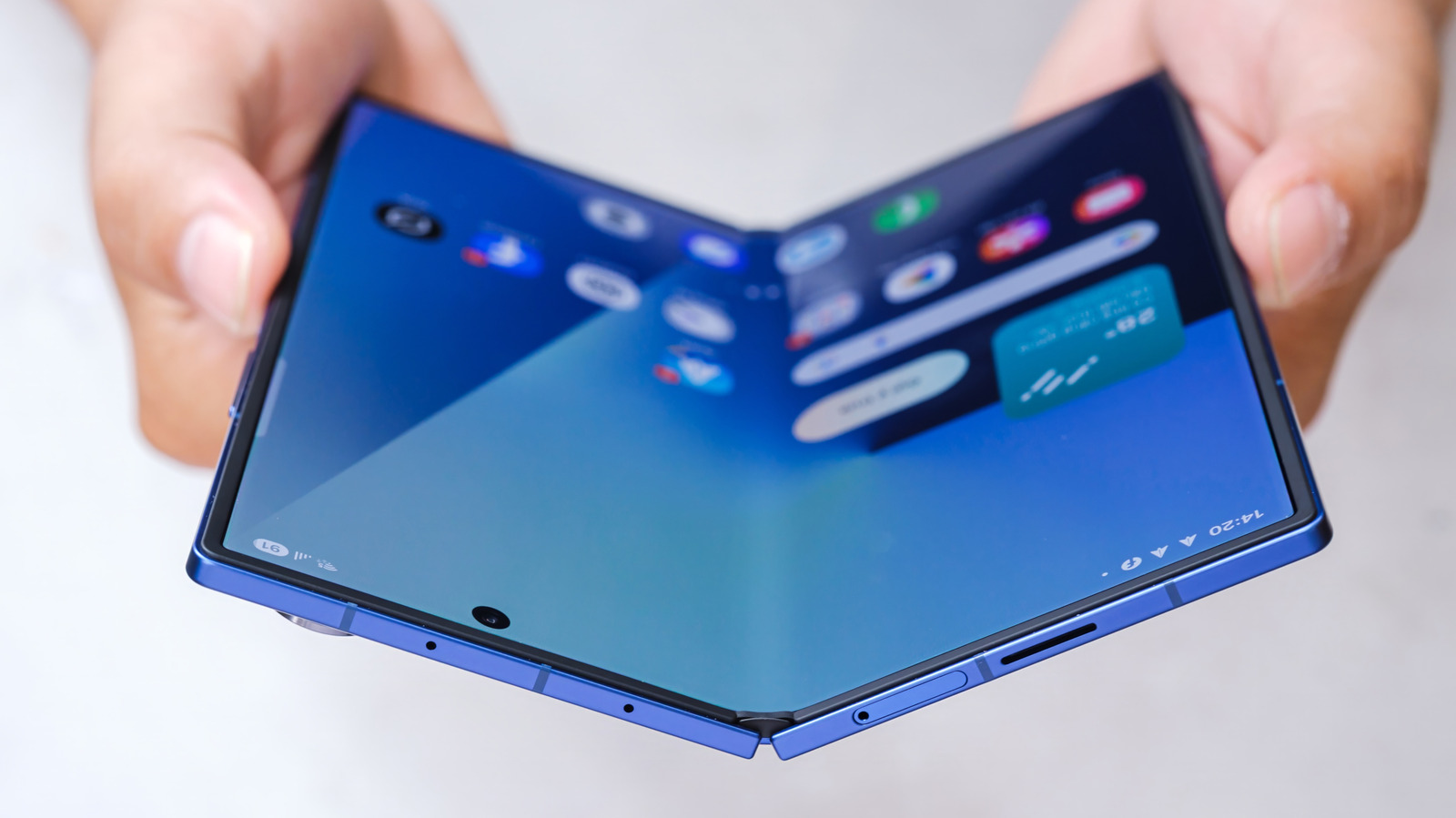
Even if you're happy with One UI, it's still packed with apps you might be better off without. By default, One UI includes a suite of apps to handle basic functions covering everything from health tracking to a digital wallet. While they're perfectly serviceable, there are plenty of other apps out there that do the same things, and there's no reason to keep the built-in options if you're not using them.
Since they're system apps, most of these can't be completely deleted, but you can hide them and limit how much space they take up on your phone. First, head to Settings, then Apps and type Samsung into the search bar. Tap the option you want to remove. Some, like Notes, allow you to uninstall them completely. If there's no uninstall option, tap the three dots menu in the top right and select Uninstall updates. The app will remain, but it won't take up as much storage space.
Once you've done that, you can also keep the icons of remaining apps from cluttering up your phone. In Settings, head to Home screen, then scroll down to Hide apps on Home and Apps screen. Then, just select the apps you don't want to see and they'll be hidden. It's an imperfect solution for sure, but it can help make your phone much easier to navigate.