
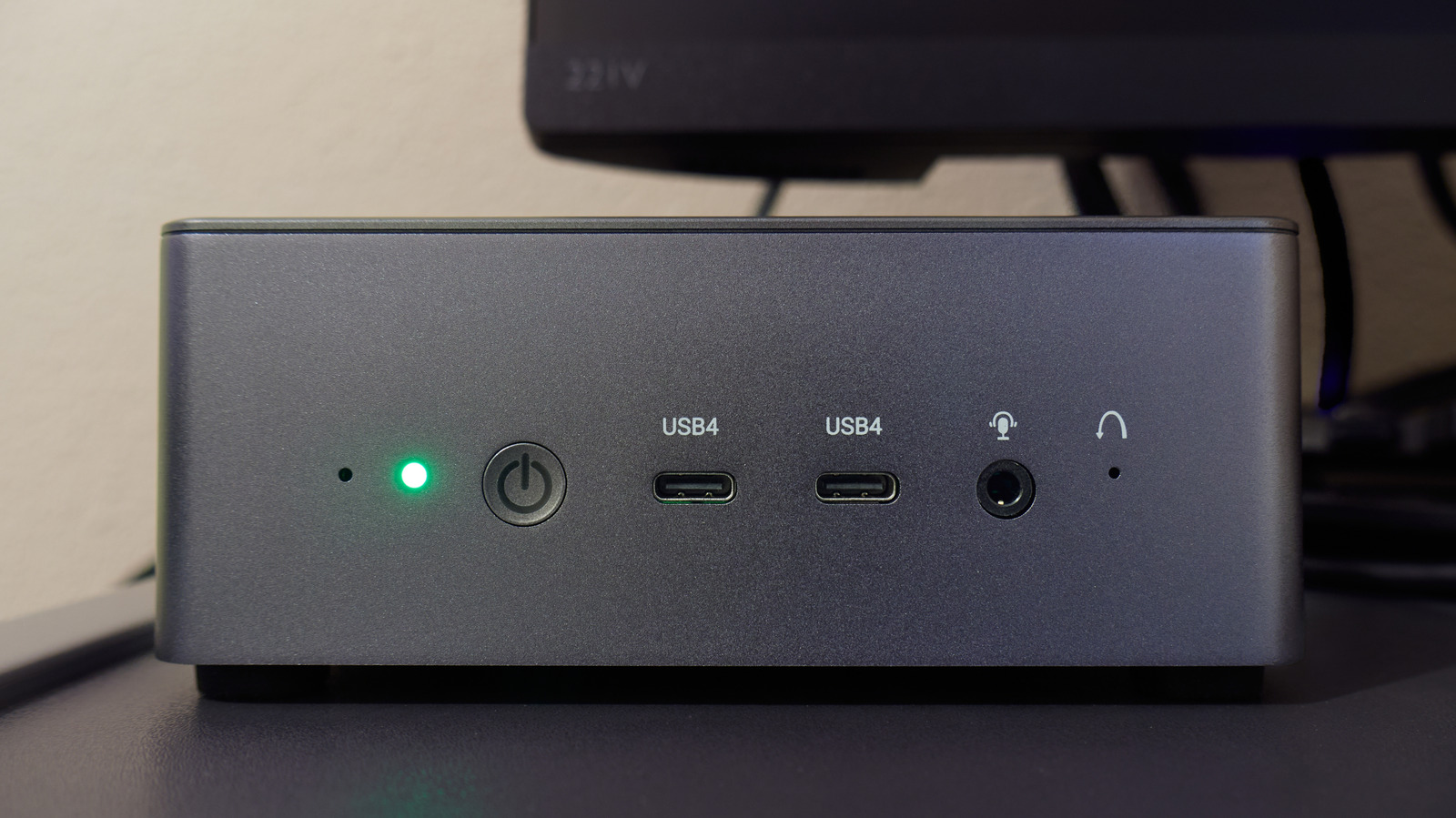
With AI coding assistants so popular right now, your aging mini PC could have another role to play. Although powerful hardware can make a massive difference when running AI models, you can still experiment on some older but capable hardware.
One easy way to get started is Ollama. You can download smaller language models and run them directly on your computer, letting you ask questions, summarize text, or even play around with a chatbot without sending every prompt to the web. After installing it, you can use local models without shelling out a single cent. Obviously, you can't expect an old processor with limited RAM to perform as well as a modern AI workstation.
Anthropic's coding assistant, Claude Code, can analyze project files, modify code, and run commands, with cloud-based models handling the heavy lifting of AI processing. It comes with Claude Pro, priced at $20 per month in the US (billed monthly), or you can pay for it separately based on API usage.
Claude Code can also connect to locally hosted models via Ollama, though running a good coding model on older hardware is a different story. According to Ollama, Meta's Llama 3.2 1B model is a 1.3 GB download.