
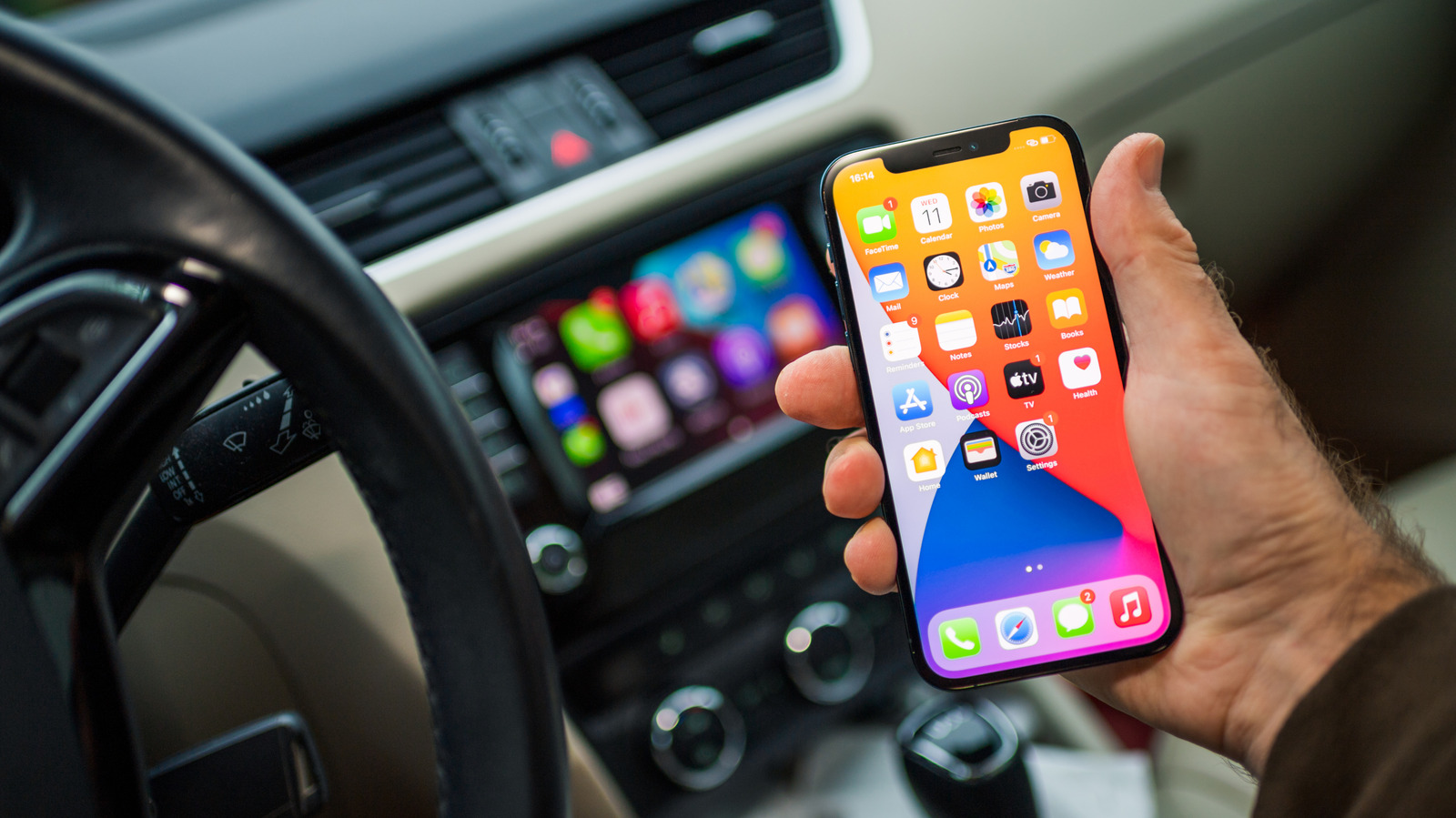
If you skip every update Apple offers you, CarPlay will keep working as usual, with the features it already has. iOS 27 needs an iPhone 11 or later (or the second-generation iPhone SE), but Apple lists CarPlay as compatible with much older iPhones. Those phones still work but never get the new iOS 27 features.
If CarPlay is acting up, try updating your phone first. If that doesn't work, restart your phone and your car, then go to Settings > General > CarPlay, select your car, tap Forget This Car and set it up again. If that still doesn't work, try updating your car's stereo firmware. Apple lists this as the last troubleshooting step and points to the car's manual for more information.